01
Speak
Open the Watch app and let your ideas flow. No extra start button.
 ToFlux
TOFLUX FROM VOICE TO ACTION
After setup, open the Watch app and start speaking.
See your words appear, then decide when to send them to Codex.
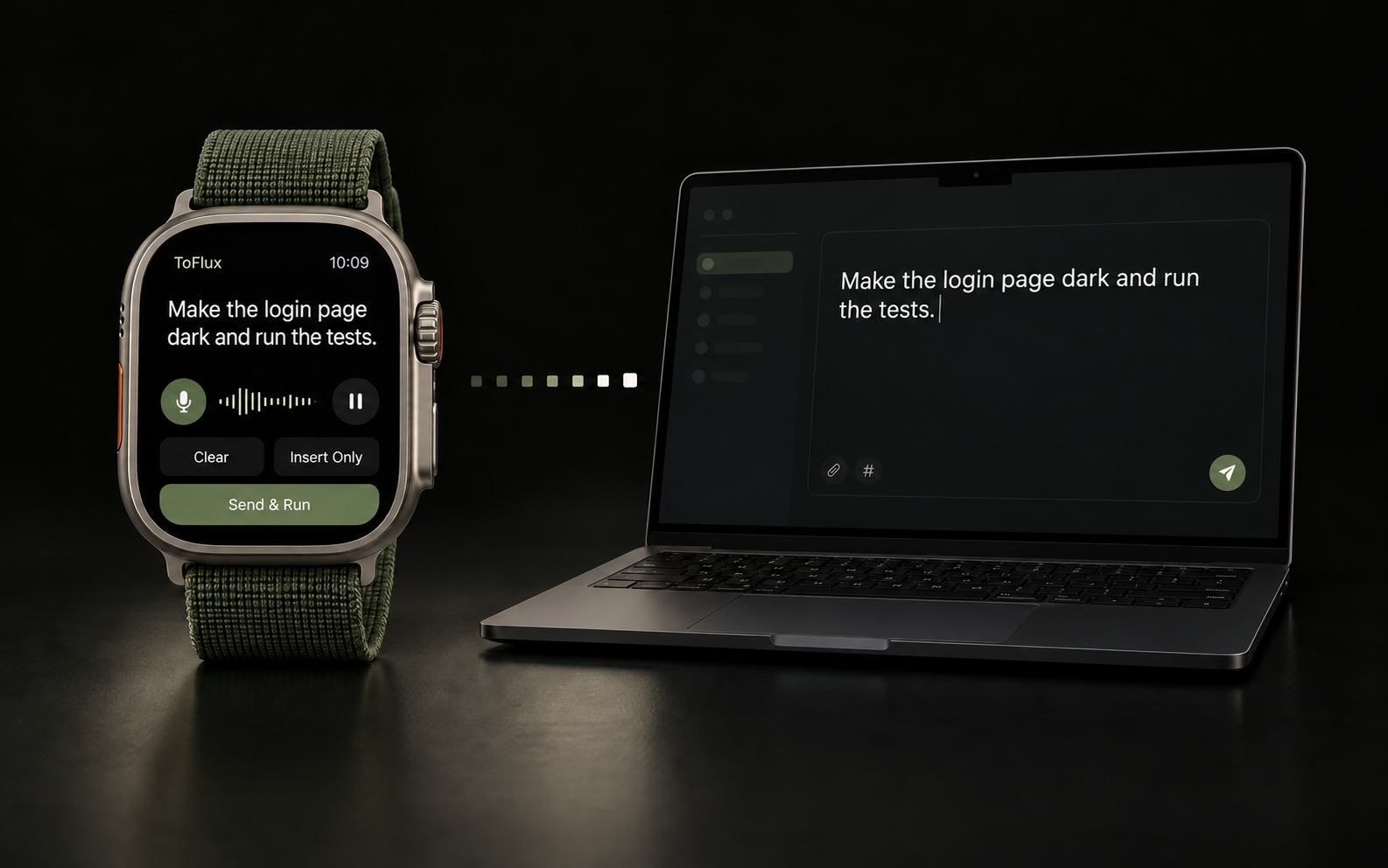
Open the Watch app and let your ideas flow. No extra start button.
Watch your words appear. Pause to think, then resume when you are ready.
Insert Only or Send & Run. You choose when your words reach Codex.
YOUR WORDS. YOUR CALL.
From the first word to the final send, you stay in control.
MADE FOR WRIST AND DESKTOP
The Watch app has not been publicly released. Its US App Store release is in preparation. The signed and notarized Mac companion is available below.
US App Store release in preparation
Mac receiver · 1.0 · 1.96 MB
Requires watchOS 10 or later: Series 6 and subsequent existing Series models, plus compatible SE and Ultra models.
Live English and Chinese dictation requires a compatible Mac, macOS 26 or later, and the corresponding Apple on-device speech recognition model.
First-time pairing requires the same Apple Account and available iCloud service. Live dictation requires a reachable local network and an awake Mac running the receiver.